How to book
Step 1
Select your location from the links above.
Step 2
- Choose your preferred date and time.
- To select multiple time slots choose your first time, then select 'Add Time'. You will see your times at the top of the screen.
- Select 'Continue'.
- Fill out all your details
- Check out
Step 3
Woot Woot, You're all booked in. You will receive a booking confirmation in your email.


Things to remember.
- Full payment is required to book a session. These are non refundable.
- Book one session per family.
- Book consecutive sessions if you are wanting photos with cousins or friends.
- Select the 'Optional Extra Group Photo - Friends/Cousins.' box if you wish to add this to your package. This will ensure you get that extra photo.
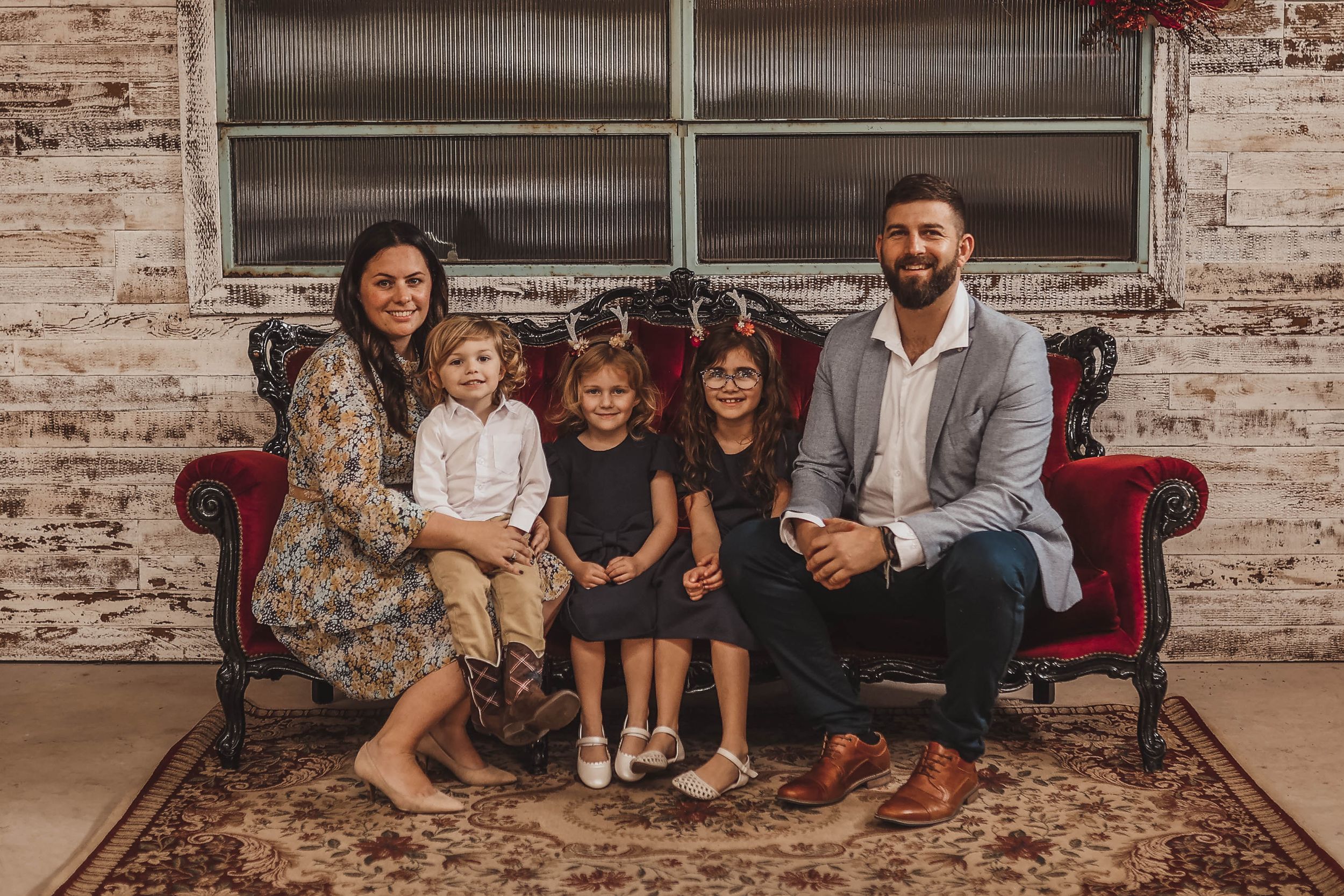
- If you would like an extra group photo on our red set please check that box.
- Scone set is the same as Newcastle, however Scone will take place outdoors amongst the trees. Scone location is still to be confirmed.
What is included?
Newcastle
15 Minute Session
15 Digital Images
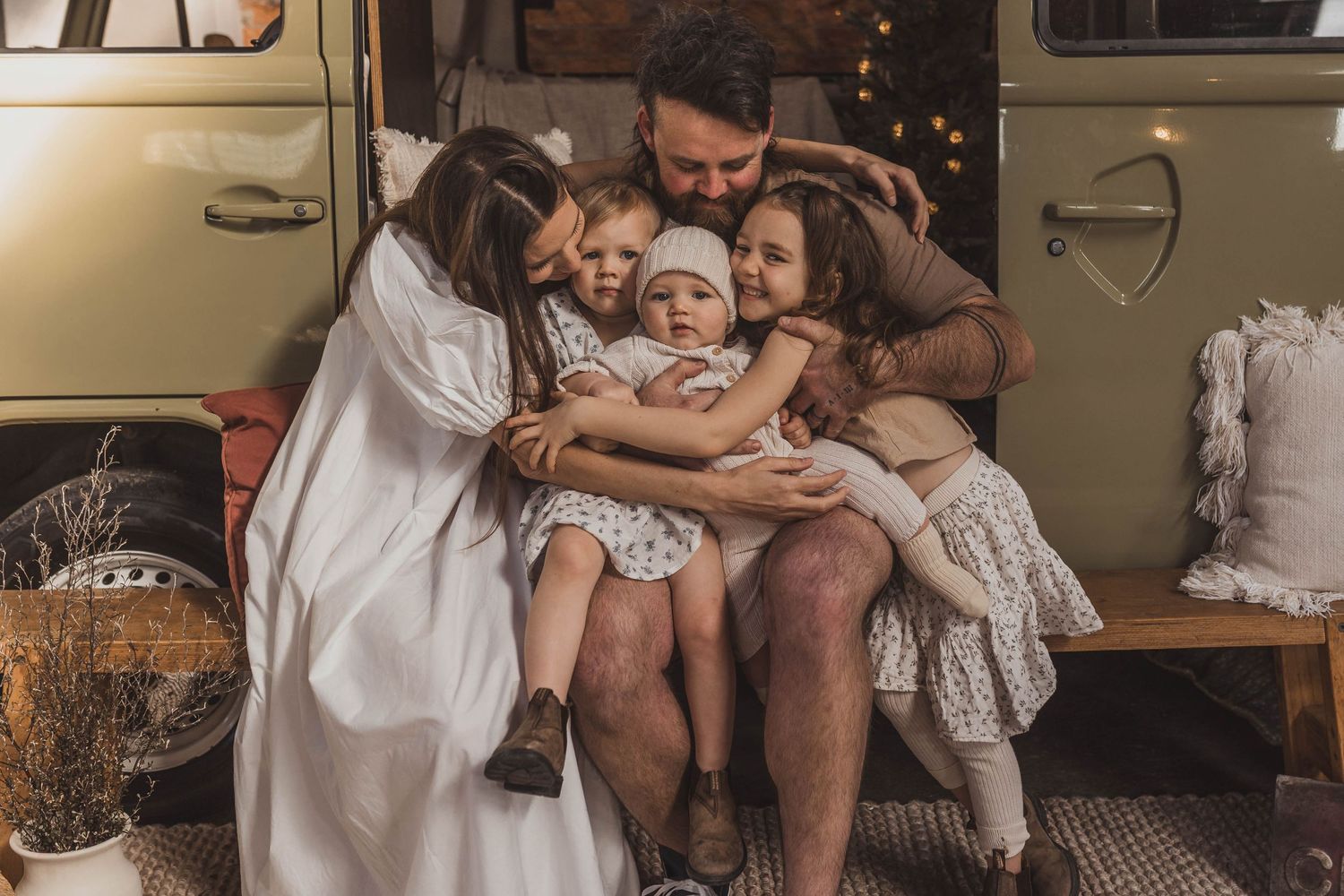
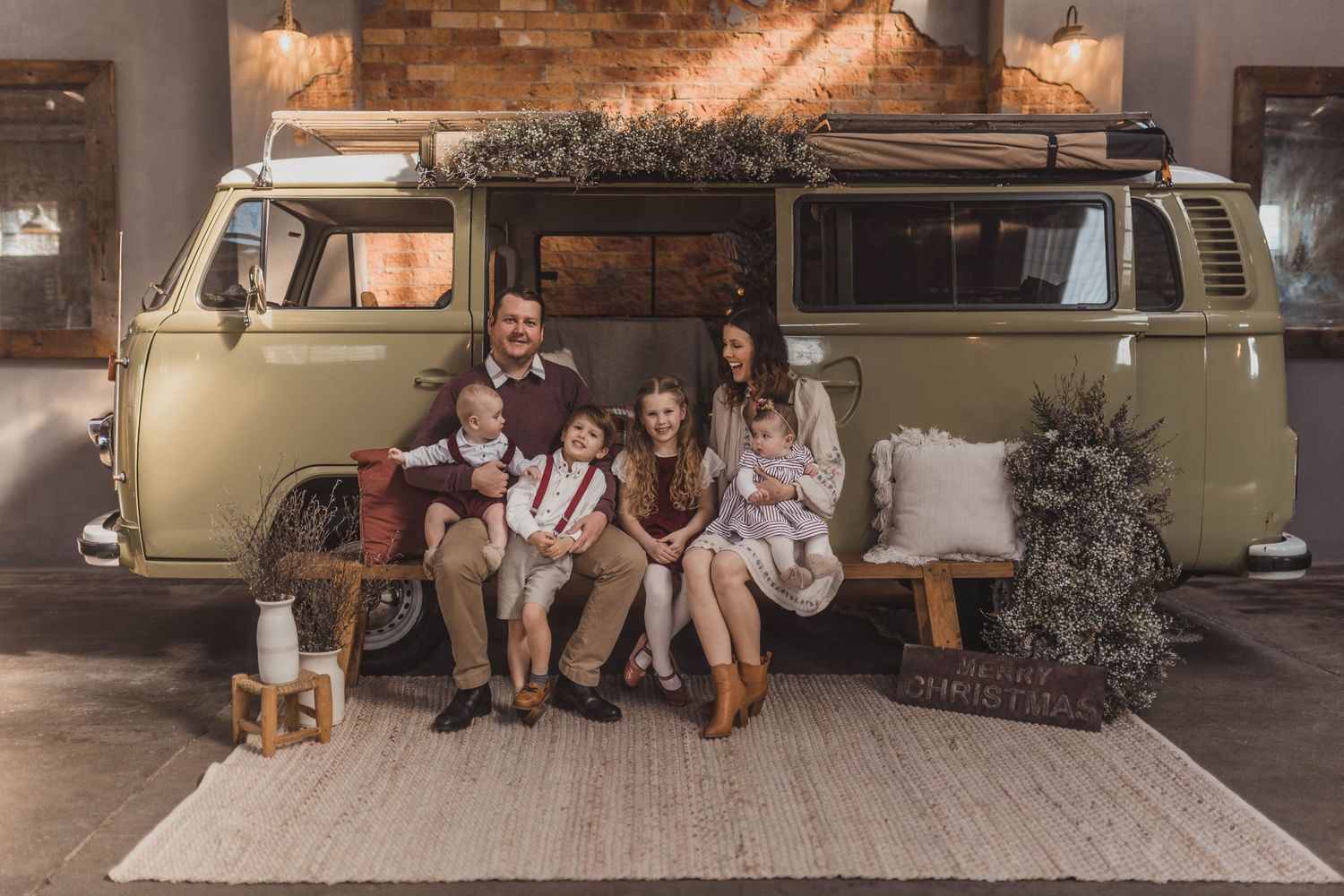
Indoor session
Optional Second Set
4 Siblings and 2 Adults - a second session will be required for additional people
Scone
15 Minute Session
10 Digital Images
Outdoor session
4 Siblings and 2 Adults - a second session will be required for additional people